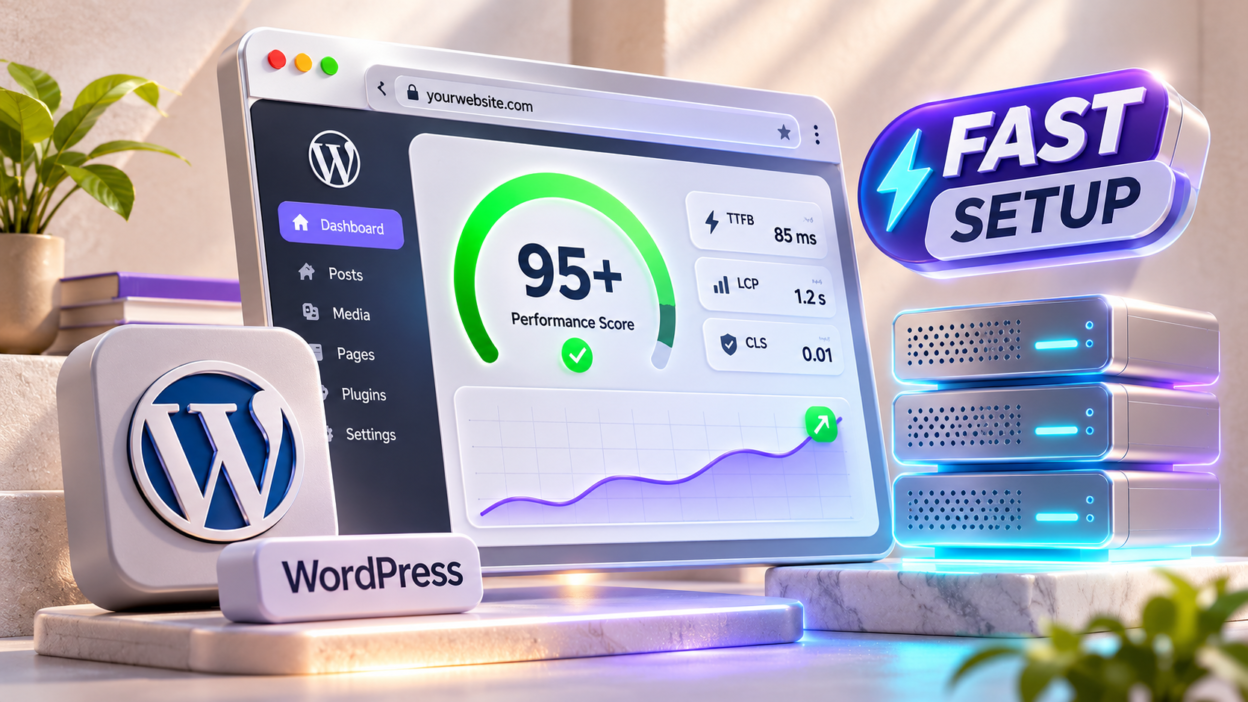
To speed up WordPress and score 95+ on Google PageSpeed, switch to high-performance NVMe hosting, run a lightweight theme like GeneratePress, enable page caching with WP Rocket, and serve compressed WebP images through a CDN. This lean setup eliminates script bloat and optimizes Core Web Vitals automatically.
\n\n
If you recently launched your site using our complete step-by-step blog setup guide, your next major milestone is raw speed. A sluggish website costs you readers, affiliate clicks, and search engine rankings before visitors even read your first paragraph.
\n\n
Google treats page speed as a primary mobile ranking signal through Core Web Vitals. When your pages take more than two seconds to load, bounce rates skyrocket by over 50 percent. Fortunately, you do not need a computer science degree or thousands of dollars in custom code to achieve elite scores.
\n\n
The Strategic Framework: Why Most Beginners Get Stuck
\n\n
Most novice publishers encounter site speed issues because they try to solve bloat by piling on more software. They install seven different performance plugins, stack conflicting minification scripts, and then wonder why their layout breaks or their Time to First Byte (TTFB) remains terrible.
\n\n
Real WordPress optimization works like packing a travel backpack. Instead of carrying extra luggage to organize useless items, you simply remove the heavy items you never needed in the first place.
\n\n
\n
- \n
- Stacking heavy visual page builders with hundreds of unused CSS rules
- Relying on cheap shared hosting with crowded CPU cores and slow magnetic disks
- Installing six separate caching and script minification plugins that clash
- Uploading massive 4MB uncompressed PNG photos straight from smartphone cameras
\n
\n
\n
\n
\n
\n
\n
- \n
- Lightweight block-based foundations like GeneratePress or Astra
- Modern cloud servers with LiteSpeed or Nginx and high-speed NVMe storage
- One premium caching engine (WP Rocket) handling delivery, fonts, and critical CSS
- Automated WebP compression and global edge delivery via Cloudflare CDN
\n
\n
\n
\n
\n
\n
\n\n
Step-by-Step Implementation Blueprint for a 95+ PageSpeed Score
\n\n
Achieving a 95+ grade on Google PageSpeed Insights requires addressing four foundational pillars: server response time, asset weight, script execution, and visual stability. Here is the chronological execution plan to reach that goal in one afternoon.
\n\n
\n
\n
\n
\n
\n
\n
\n
\n
\n
\n
\n
\n
\n
\n
\n\n
Phase 1: Upgrade Your Server Infrastructure and Theme Core
\n
Your web host is the foundation of your entire speed profile. No amount of plugin optimization can rescue a site sitting on a congested server with slow database response times. High-quality managed hosts like Hostinger provide optimized LiteSpeed servers, isolated container resources, and fast NVMe solid-state storage at affordable entry points.
\n
Pair your hosting with an efficient domain registrar like Namecheap for clean DNS routing. Inside your hosting control panel, verify that you run PHP 8.2 or higher, which executes WordPress queries up to 25 percent faster than legacy PHP versions.
\n
Next, audit your theme. Bulky multi-purpose themes load dozens of font families and icon sets across every post. Swapping to lightweight frameworks such as GeneratePress or